New modern toolbar for CKEditor and TinyMCE
N1ED now comes with a fully new, modern toolbar for CKEditor and TinyMCE, along with many other UI updates.
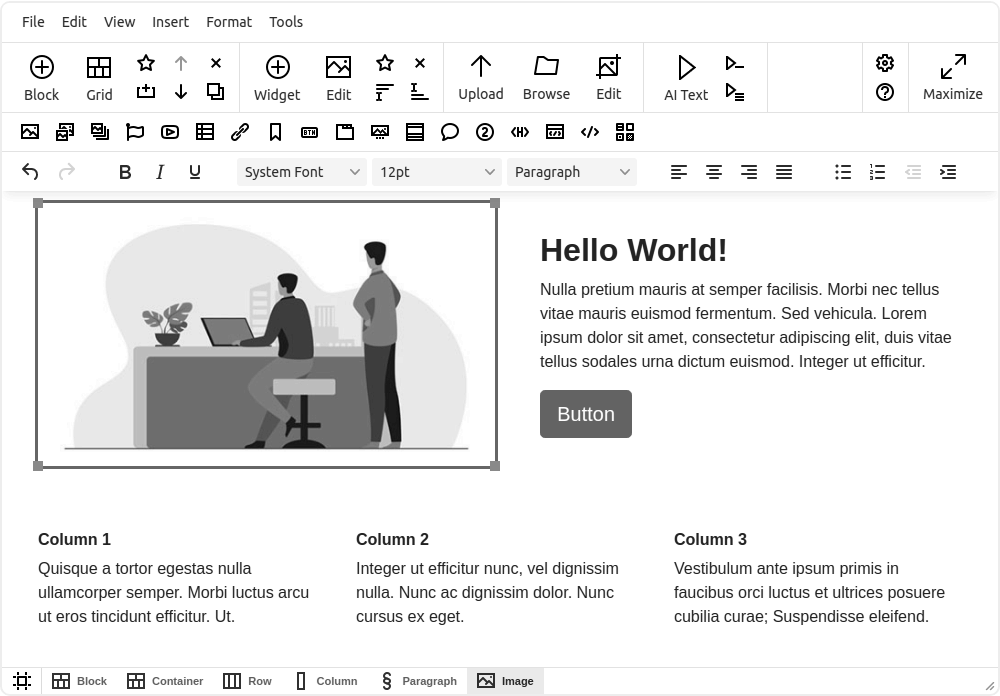
The toolbar has three rows:
- The N1ED toolbar at the top gives you access to all the new features.
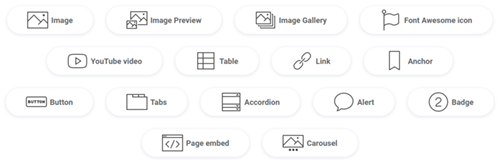
- The widget toolbar holds quick links for inserting widgets. You can remove some of its buttons or hide the whole row.
- Your own toolbar: N1ED keeps the existing toolbar of TinyMCE or CKEditor, so you can continue using it.
The Block button
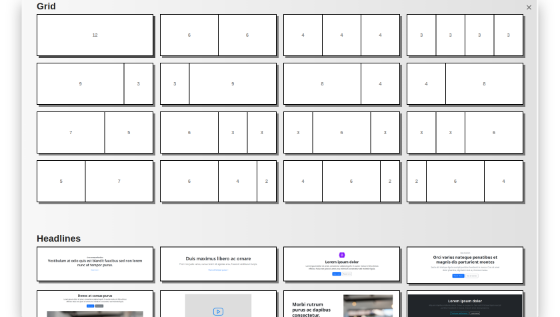
Create content block by block: pick a block from the gallery, or create and save your own custom blocks.
The Grid button
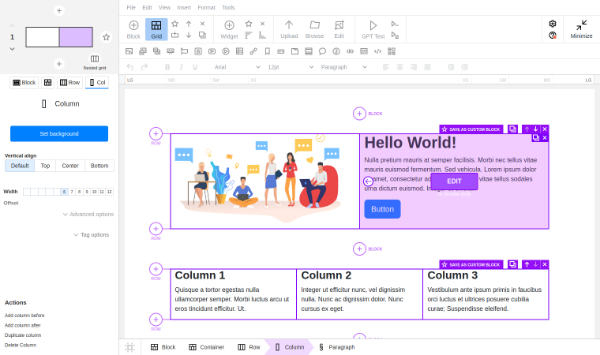
Highlight the existing block structure and edit it: manage Bootstrap containers, rows and columns.
The Widget button
Add one of the N1ED widgets or reuse your own custom HTML template.
The Browse button
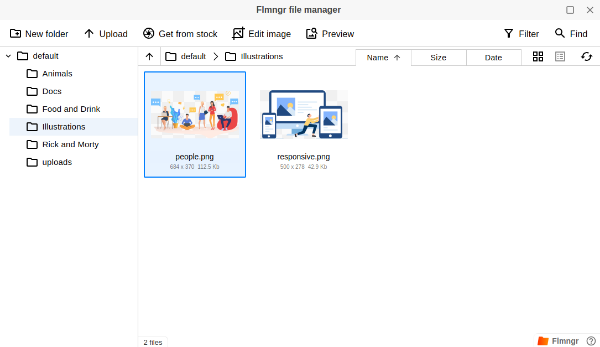
Browse and select an image from a gallery on your server with the full-featured Flmngr file manager.