Install N1ED plugin for WordPress
Download WordPress Plugin
Download and install N1ED plugin for all N1ED Ecosystem add-ons!
Install WordPress plugin
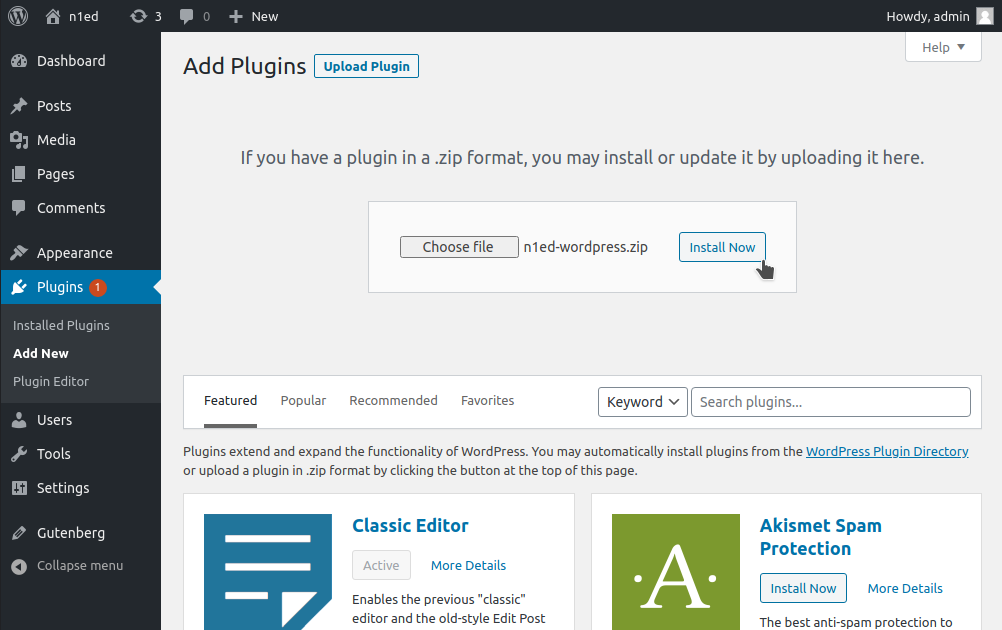
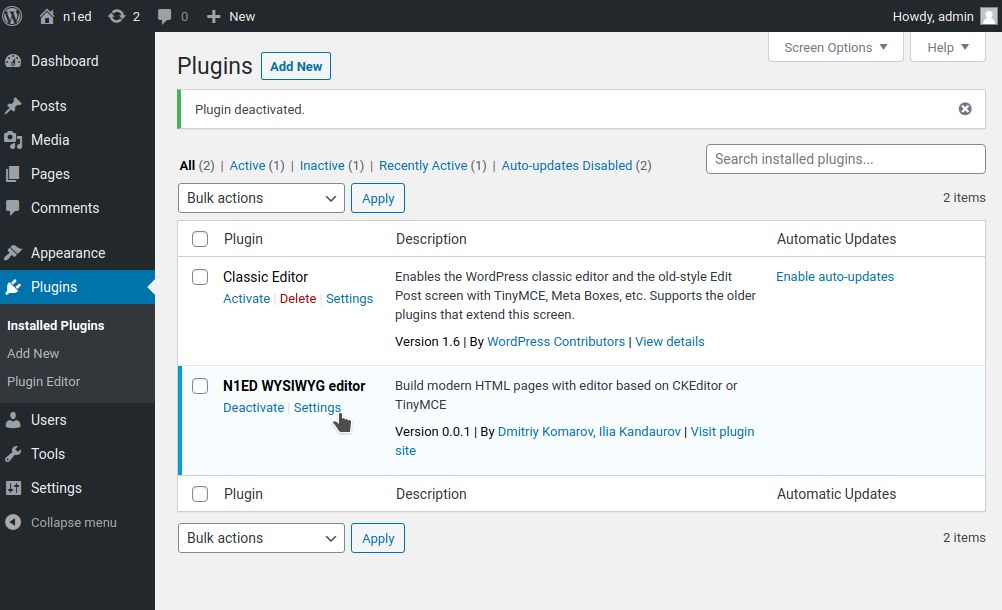
Go into WordPress Plugins → Add new → Upload plugin. Choose downloaded file and press Install now. Do not forget to activate plugin after installation.
Set API key
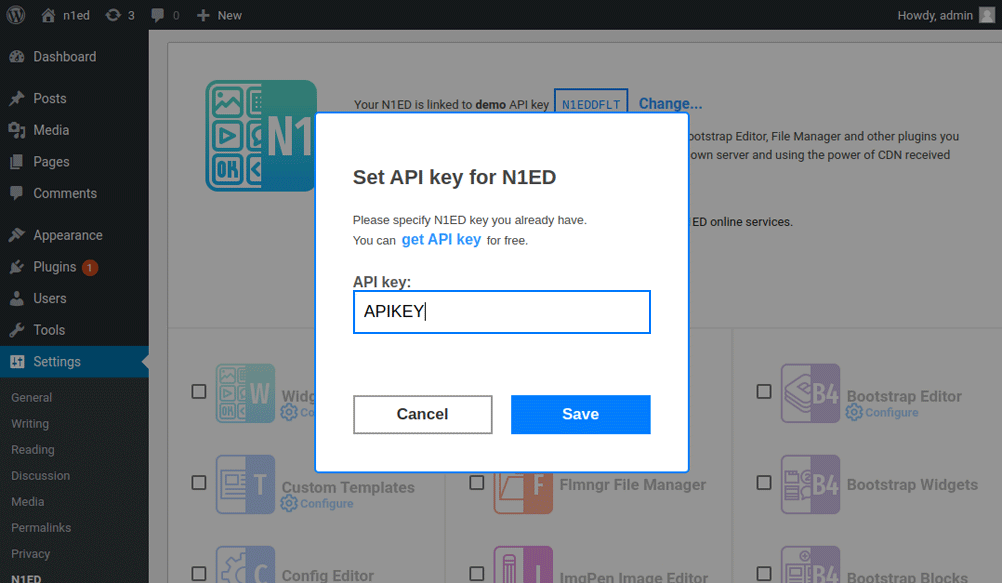
Go on N1ED configuration page selecting Settings and change demo API key to your own.
Edit articles with N1ED
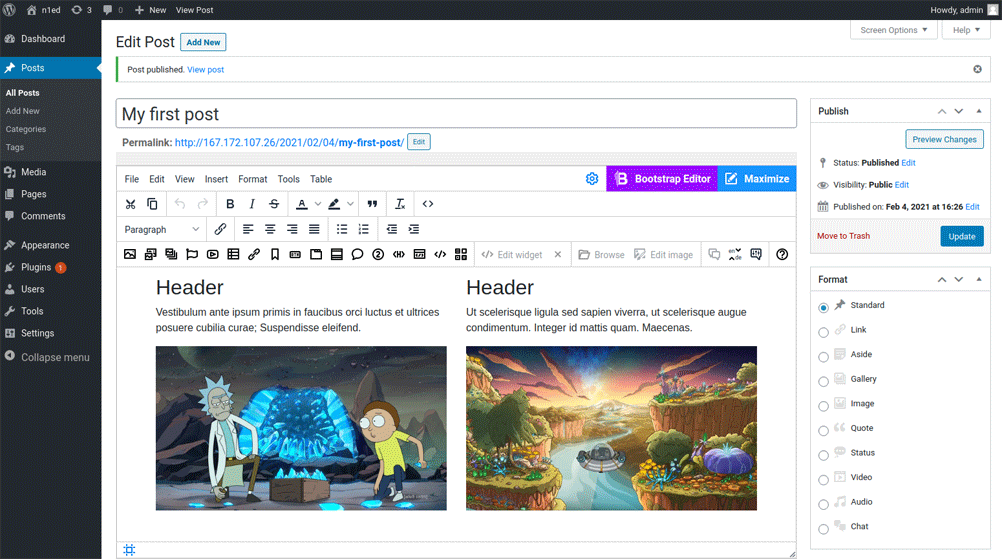
Now you can edit your articles with power of N1ED. Just go to Post → Edit post section and edit or create and edit any article you see.
When using module for popular CMS you do not need to do any additional steps - all these things were already done by N1ED developers inside N1ED module.