Install N1ED for PrestaShop
N1ED comes to PrestaShop in the Editor42 module: Editor42, our free editor based on TinyMCE, takes the place of the TinyMCE PrestaShop ships, with N1ED built in. It becomes the editor of your CMS pages, product and category descriptions: Bootstrap blocks and grid, widgets, the file manager and the image editor, all configured for one API key, and PrestaShop's forms work around it as before. One zip installs on PrestaShop 1.7.8 and newer, 8 and 9 included.
Download module for PrestaShop
The same zip installs on PrestaShop 1.7.8, 8 and 9. Do not unzip it: PrestaShop takes the zip as it is.
Download Editor42 for PrestaShopInstall PrestaShop module
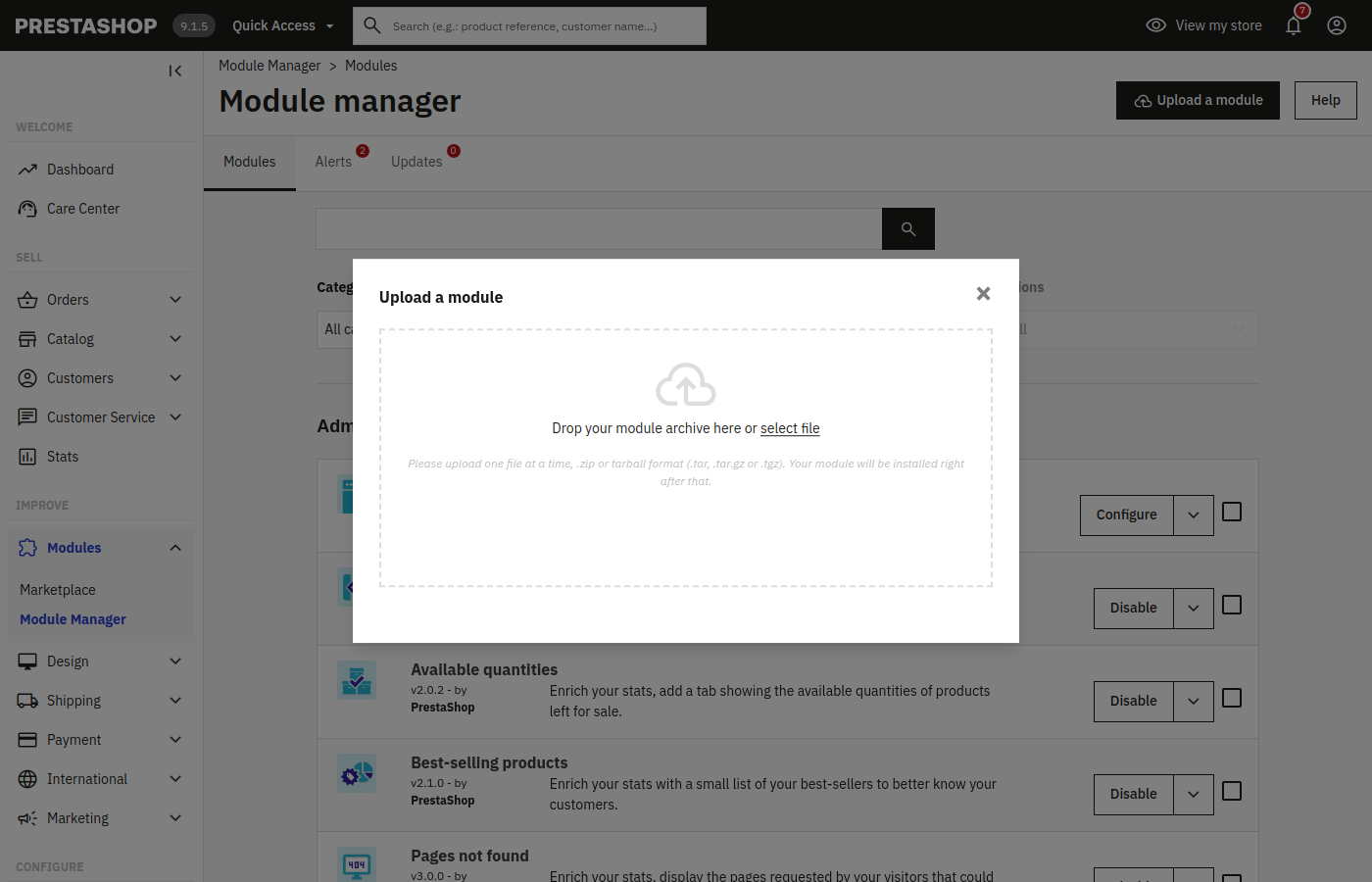
Open Modules → Module Manager, press Upload a module and drop the zip into the dialog. PrestaShop installs the module by itself; press Configure under Module installed! to go on to the next step.
Moving from the N1ED module ("N1 TinyMCE")? Install Editor42 the same way: it uninstalls the old module and keeps your API key.
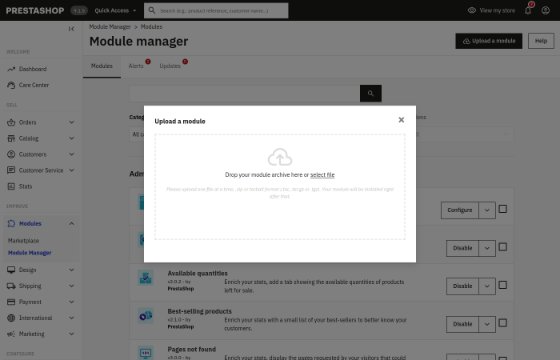
Module Manager → Upload a module: drop the zip into the dialog
Set API key
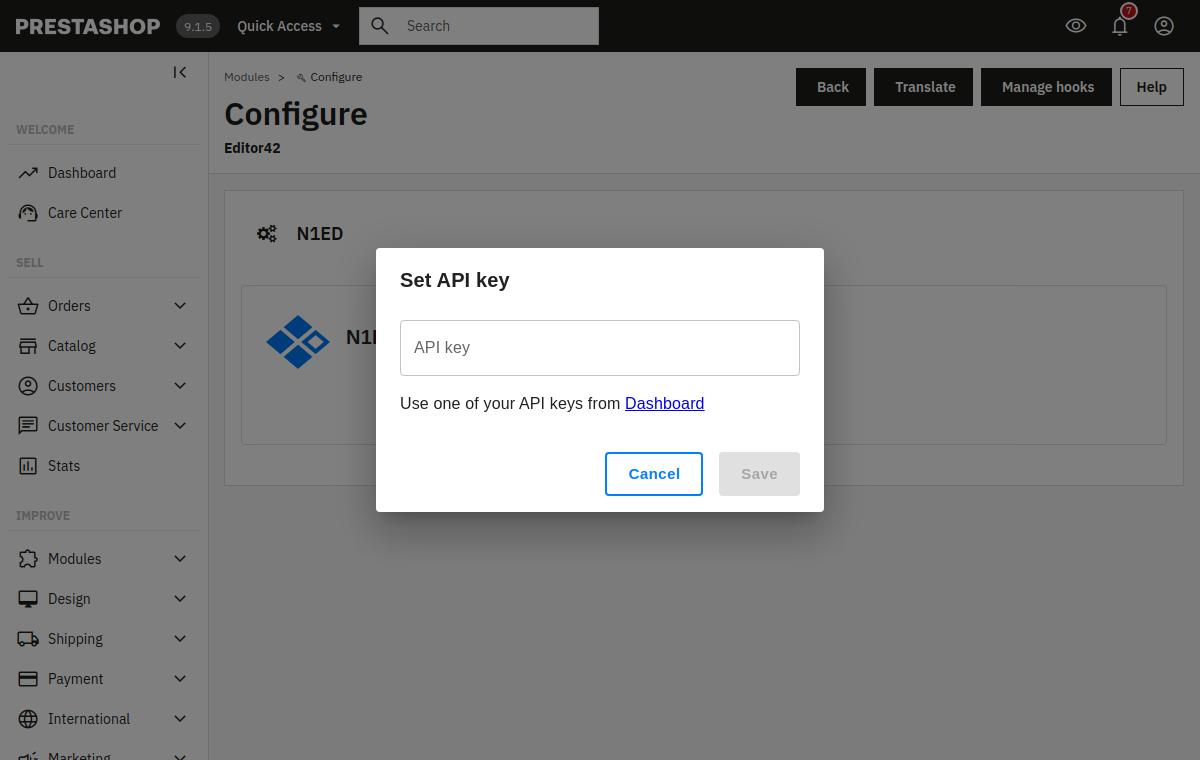
On the module's Configure page, press Set API key in the N1ED panel and paste a key from your Dashboard. No account yet? The Register new account link next to it creates one for free. To come back to this page later, press Configure next to Editor42 in Modules → Module Manager.
The key links your shop to its configuration in the Dashboard: the toolbar, widgets, blocks and the file storage. Until you set it, the module runs on a shared demo key.
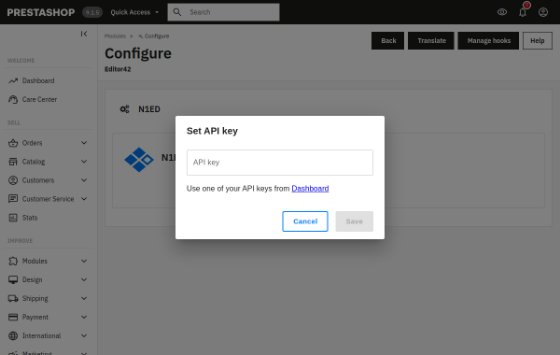
The module's Configure page: Set API key
Edit pages with N1ED
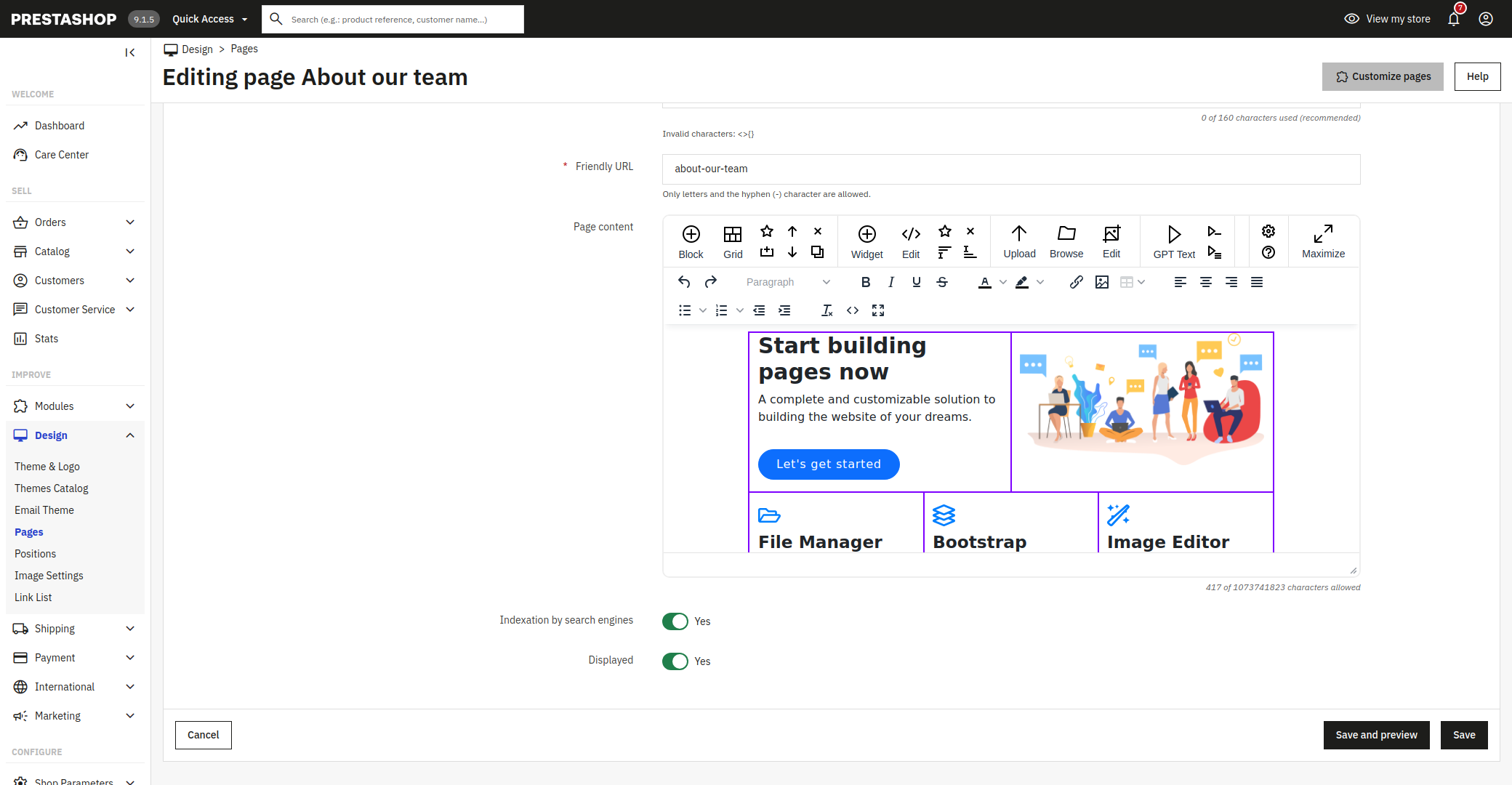
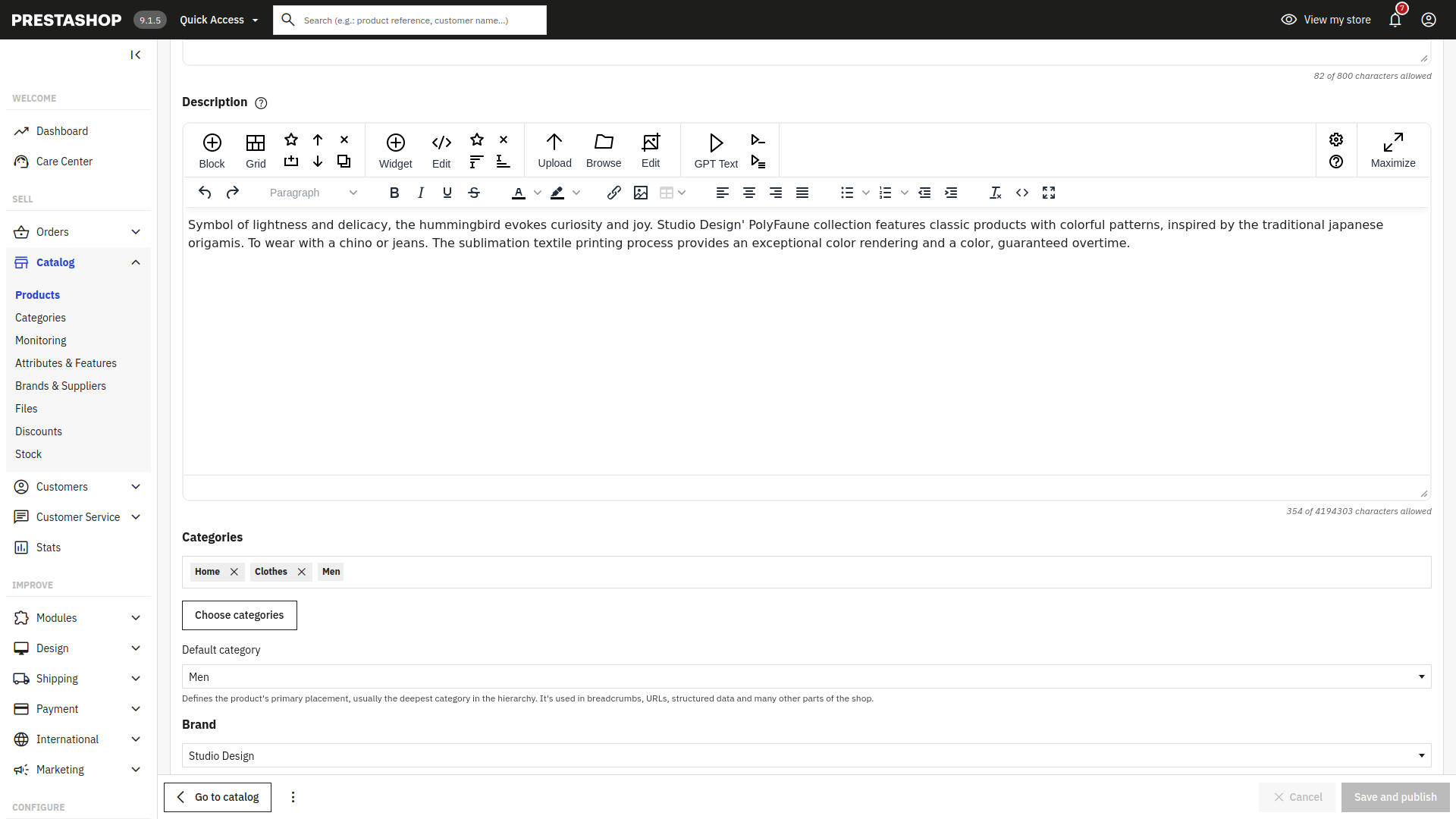
Open Design → Pages and press Add new page: the page content opens in N1ED. Product descriptions and summaries (Catalog → Products) and category descriptions use it too.
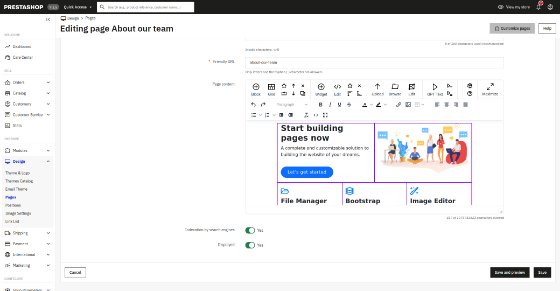
A CMS page in N1ED: Bootstrap blocks and the grid 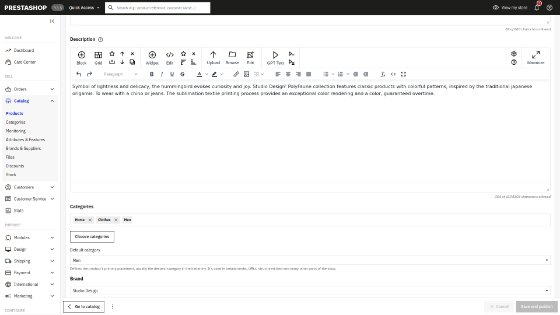
Catalog → Products: the description in N1ED