Install N1ED extension for Magento
The N1ED extension for Magento 2 becomes the WYSIWYG editor of your CMS pages, blocks and product descriptions: TinyMCE with Bootstrap blocks and grid, widgets, the file manager and the image editor, all configured for one API key.
Install N1ED Magento extension
Run these in the root directory of your Magento installation, over SSH or in a terminal on the server:
composer require edsdk/n1ed-magento
bin/magento module:enable EdSDK_Wysiwyg
bin/magento setup:upgrade
bin/magento cache:flush
A store in production mode also needs
bin/magento setup:di:compileandbin/magento setup:static-content:deployaftersetup:upgrade.Enable N1ED Magento extension
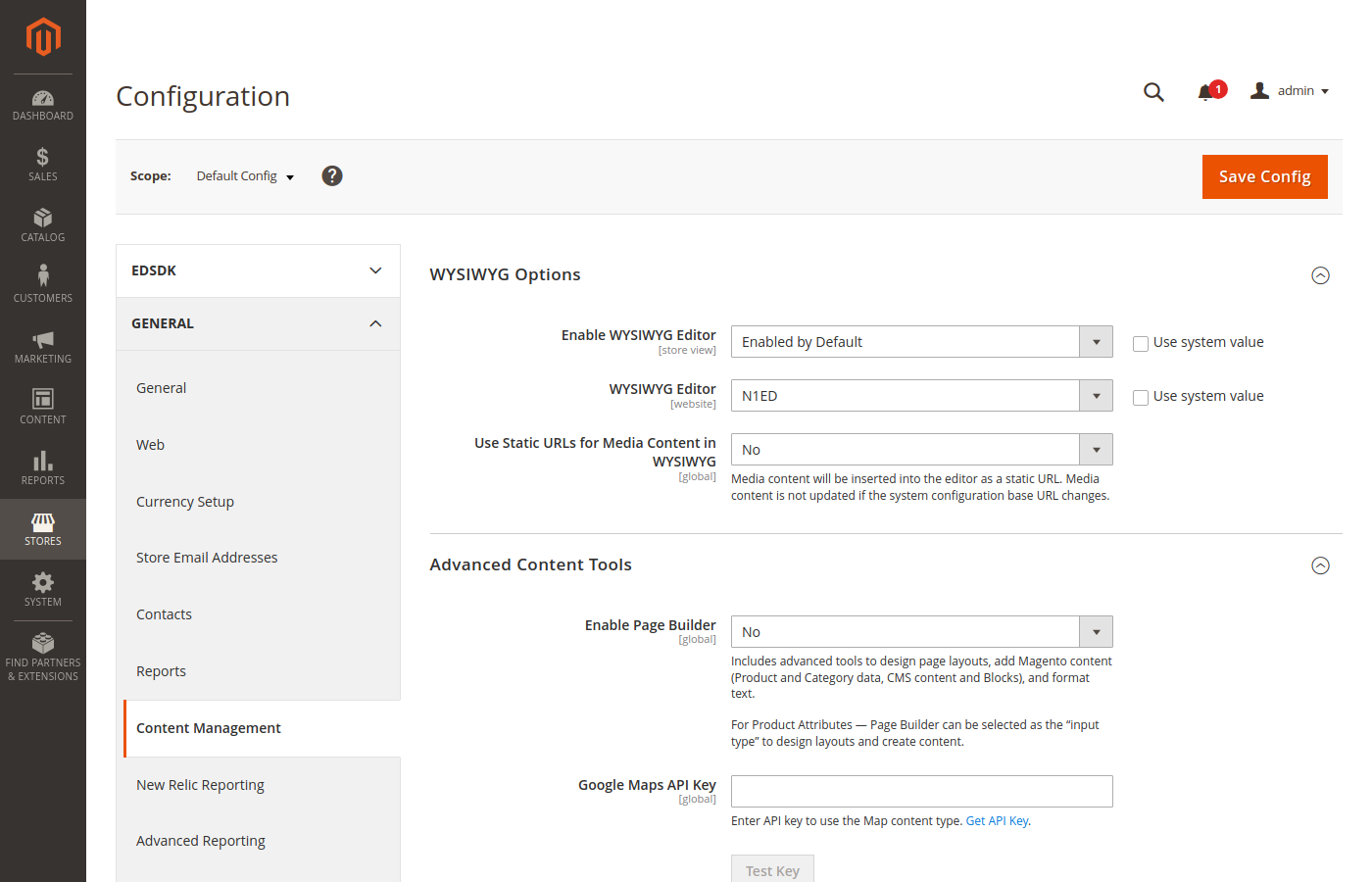
Open Stores → Configuration → General → Content Management:
- in WYSIWYG Options, untick Use system value next to WYSIWYG Editor and choose N1ED;
- in Advanced Content Tools, set Enable Page Builder to No. While Page Builder is on, pages, blocks and products are edited with it and never reach the WYSIWYG editor.
Press Save Config.
Content Management: N1ED as the WYSIWYG editor, Page Builder off
Set API key
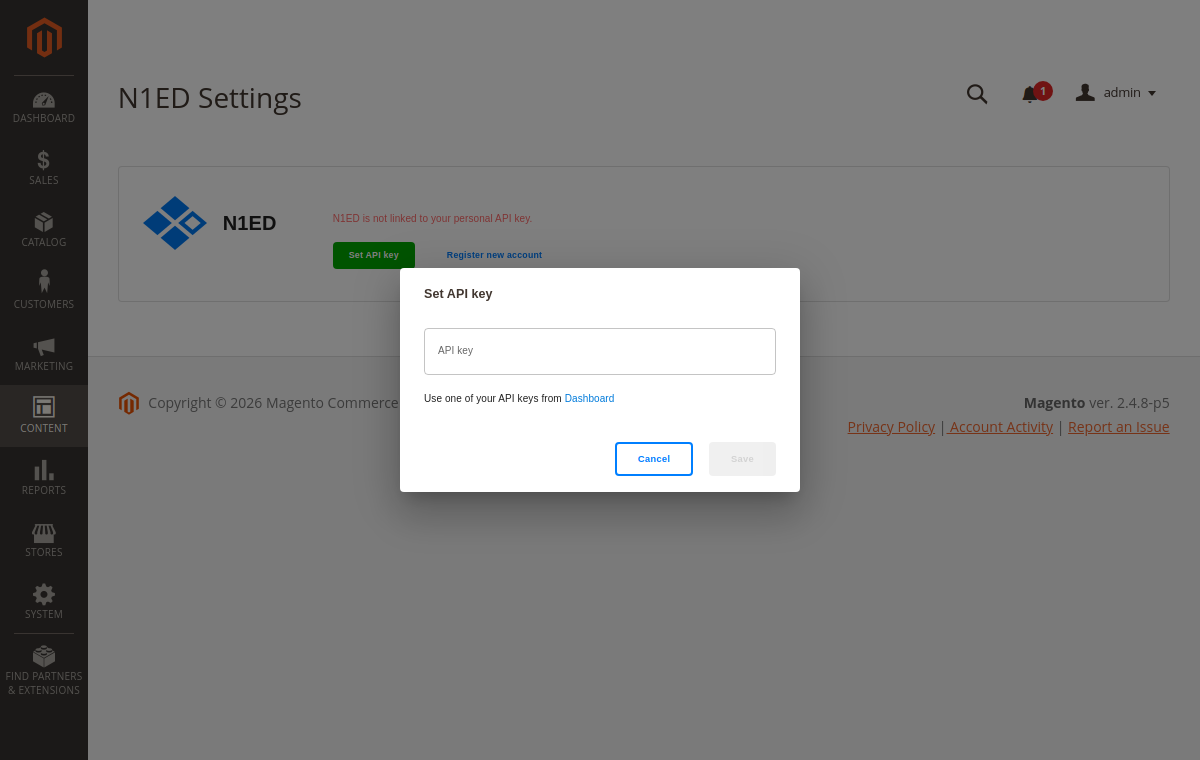
Open Content → EdSDK → N1ED, press Set API key and paste a key from your Dashboard. No account yet? The Register new account link next to it creates one for free.
The key links your store to its configuration in the Dashboard: the toolbar, widgets, blocks and the file storage. Until you set it, the extension runs on a shared demo key.
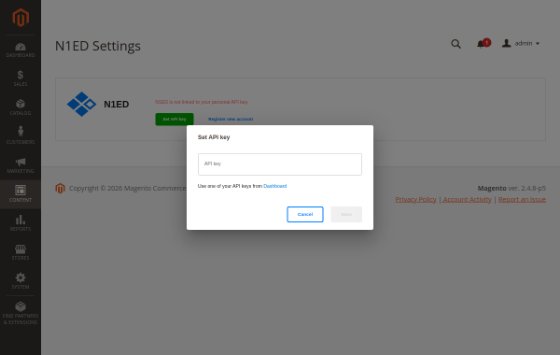
Content → EdSDK → N1ED: Set API key
Try to edit some article
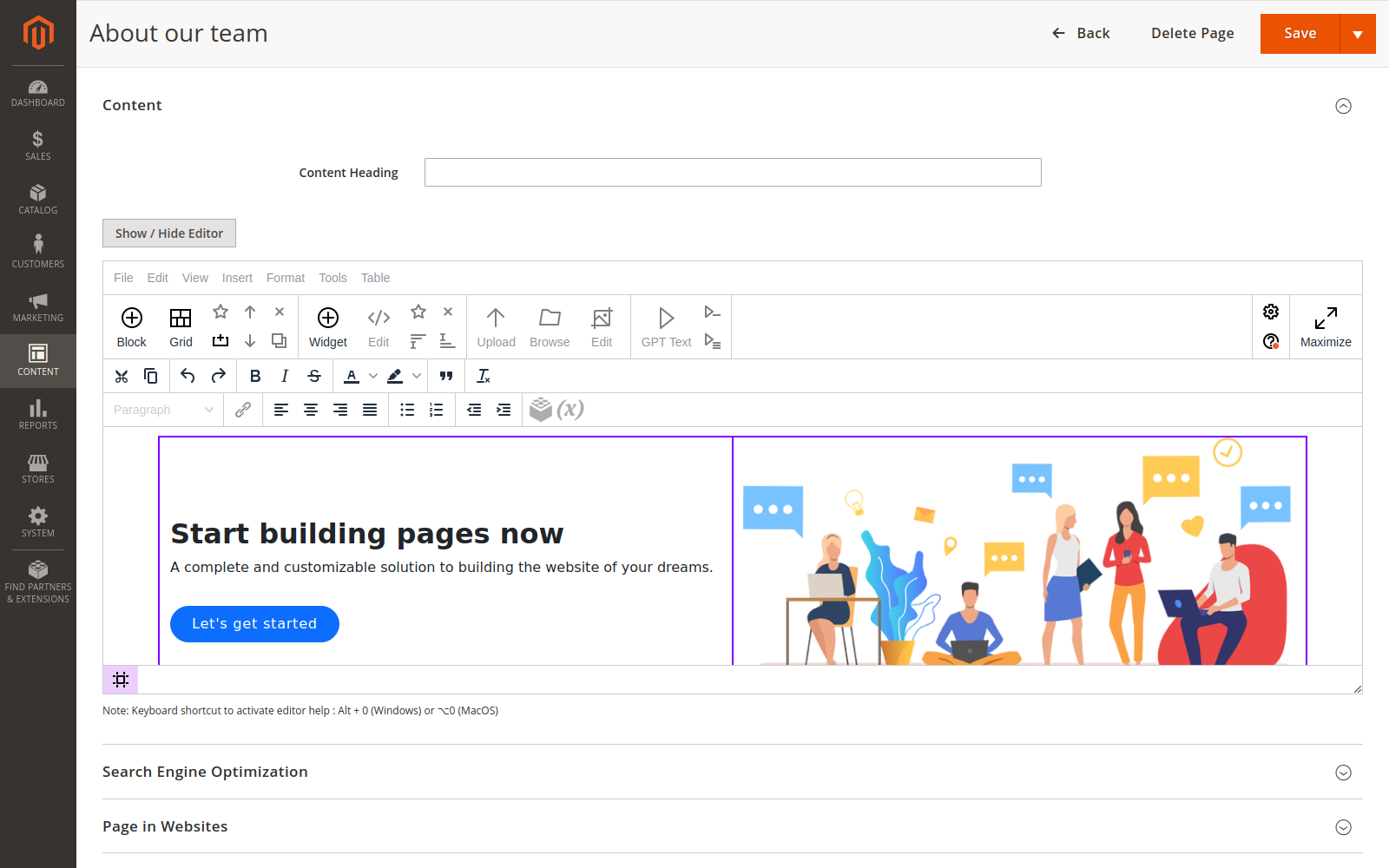
Open Content → Pages, add a page or edit one, and expand its Content section: the editor is N1ED. Blocks and product descriptions use it too.
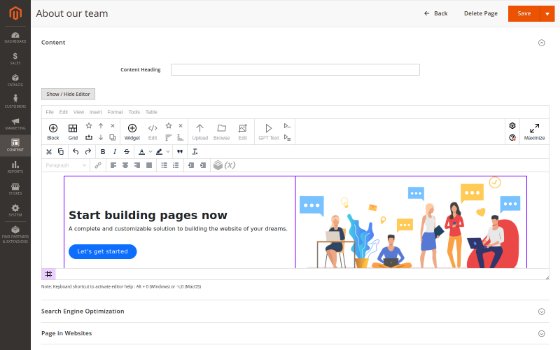
A CMS page in N1ED: Bootstrap blocks and the grid