Install N1ED extension for Joomla
Looking for Joomla 3 installation?
The N1ED extension gives Joomla a WYSIWYG editor built on TinyMCE: Bootstrap blocks and grid, widgets, the file manager and the image editor, all configured for one API key. One package serves Joomla 5 and Joomla 4; Joomla 3 has its own legacy package.
Download Joomla 5 extension
The same package installs on Joomla 5 and Joomla 4.
Download Joomla extensionYou can also skip the download: the next step can install N1ED straight from the Joomla Extensions Directory.
Install Joomla 5 or 4 extension
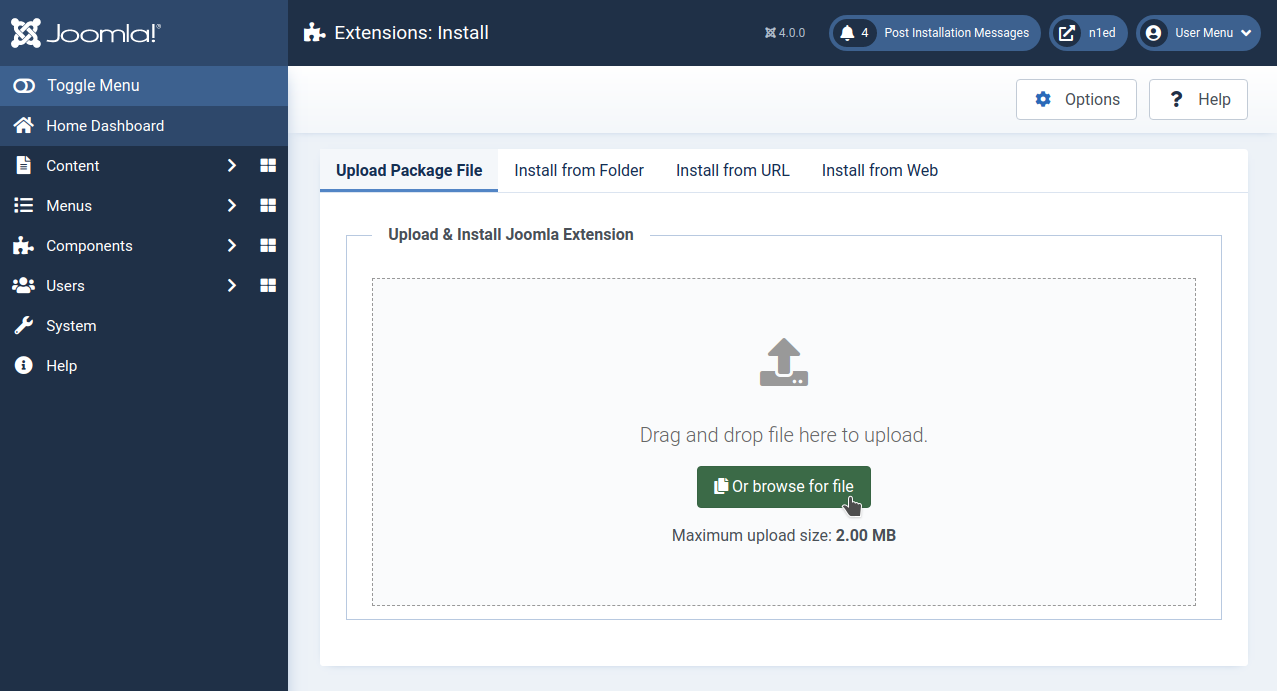
Open System → Install → Extensions and drop the package onto the Upload Package File tab: the installation starts by itself.
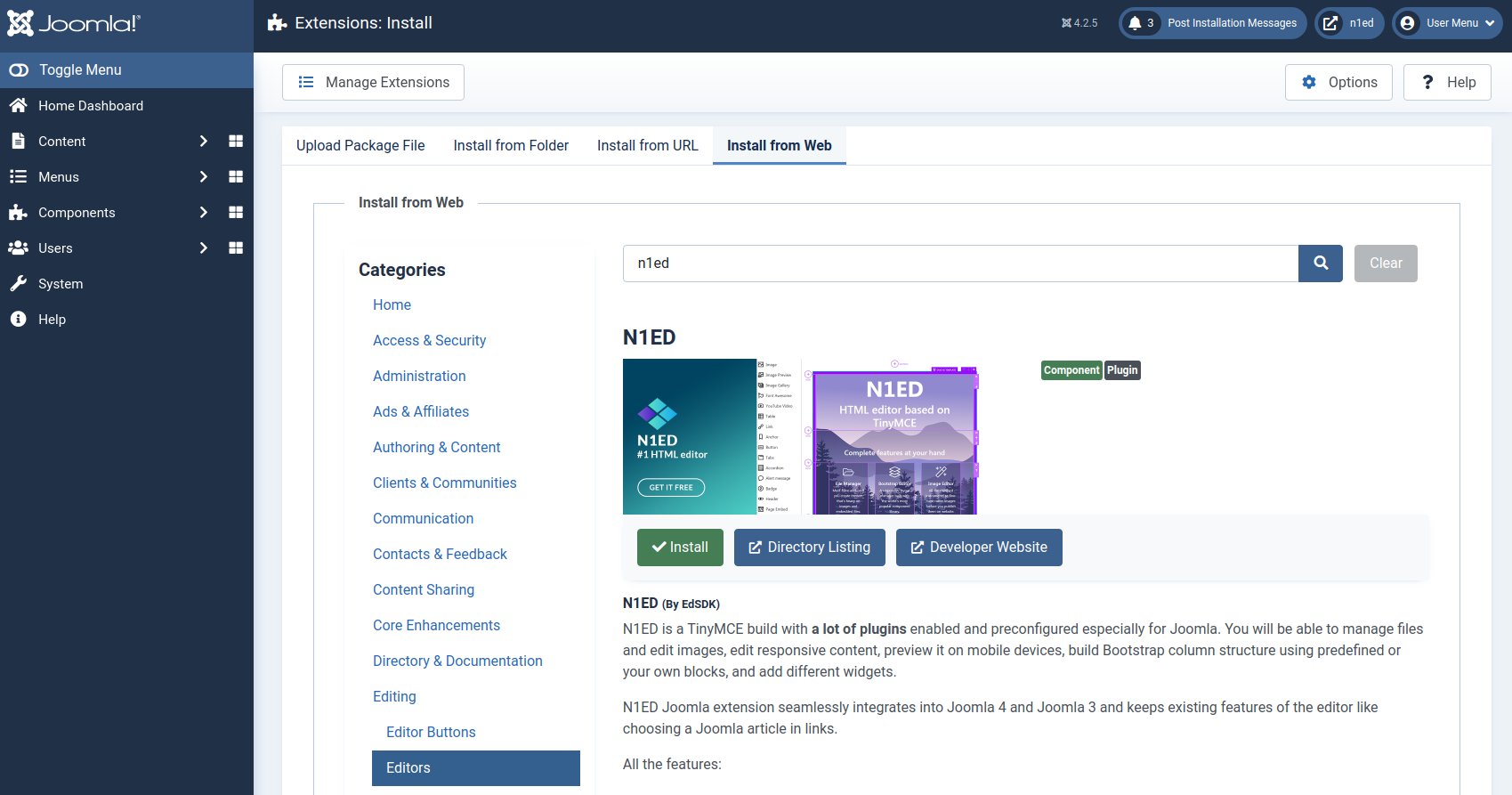
Or open the Install from Web tab, search for “n1ed” and press Install.
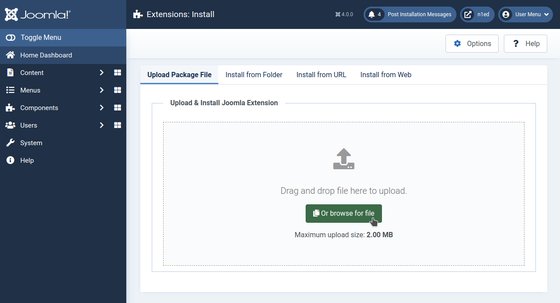
Upload Package File: the downloaded package 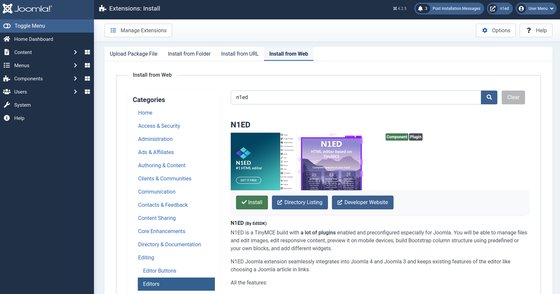
Install from Web: N1ED in the Extensions Directory
Set API key
Open Components → N1ED Content Editor, press Set API key in the N1ED panel and paste a key from your Dashboard. No account yet? The Register new account link next to it creates one for free.
The key links your site to its configuration in the Dashboard: the toolbar, widgets, blocks and the file storage. Until you set it, the extension runs on a shared demo key.
Enable N1ED
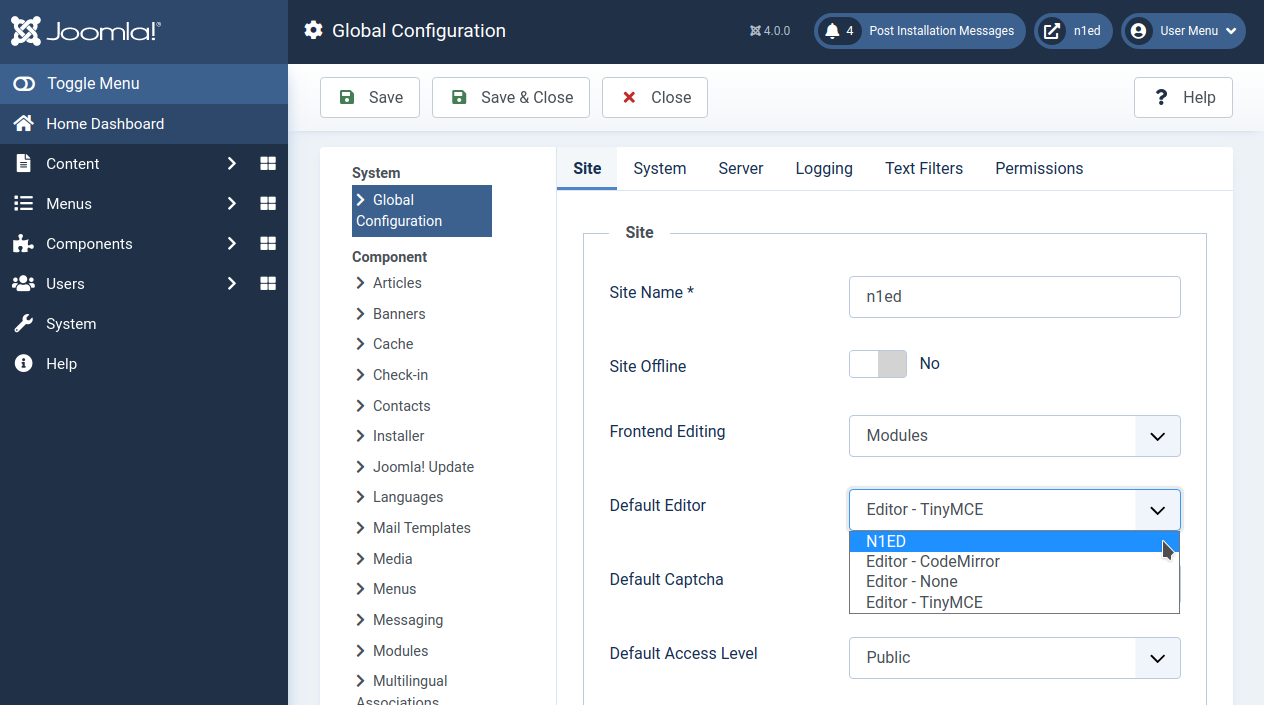
Make N1ED the default editor: open System → Global Configuration, choose N1ED in Default Editor on the Site tab and press Save.
A user whose profile names an editor of their own keeps it. Set that user's Editor to Use Default in Users → Manage, on the Basic Settings tab.
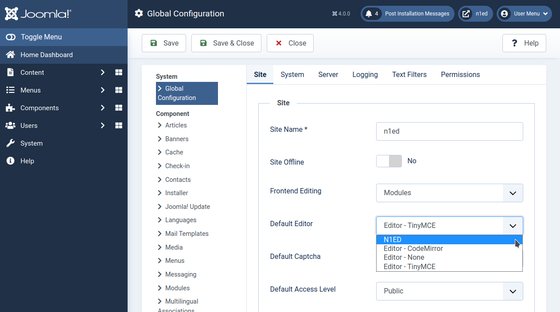
Global Configuration: N1ED as the default editor
Edit articles with N1ED
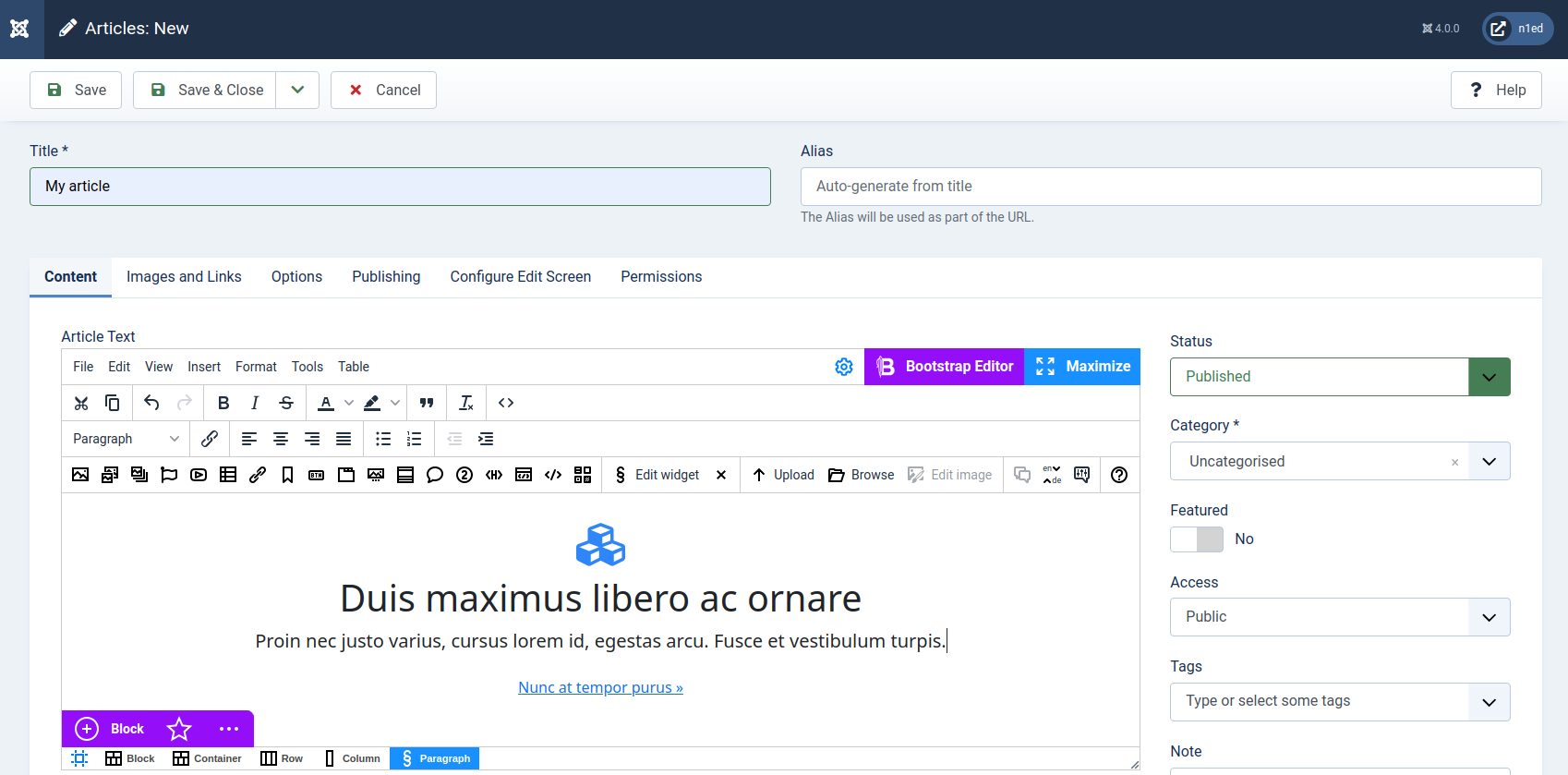
Open Content → Articles → New: the article text opens in N1ED.
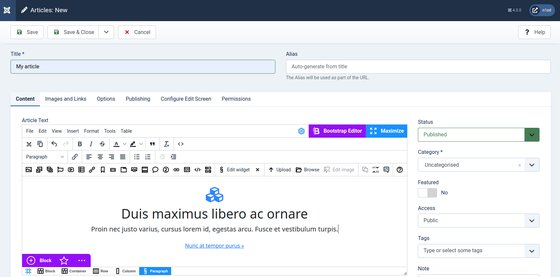
A new article in N1ED