Create OpenAI API Key
Why do I need an OpenAI API Key?
The OpenAI service unlocks a multitude of powerful AI capabilities, one of which is ChatGPT.
The ChatGPT plugin (Txt42) is an extension that incorporates ChatGPT's features into text editors such as CKEditor and TinyMCE. With this plugin, users gain the ability to harness AI-generated text. To unlock the functionality of the OpenAI service through the Txt42 ChatGPT plugin, users are required to obtain an OpenAI API key.
How do I get an OpenAI API Key?
To get your own OpenAI API key, follow the steps below:
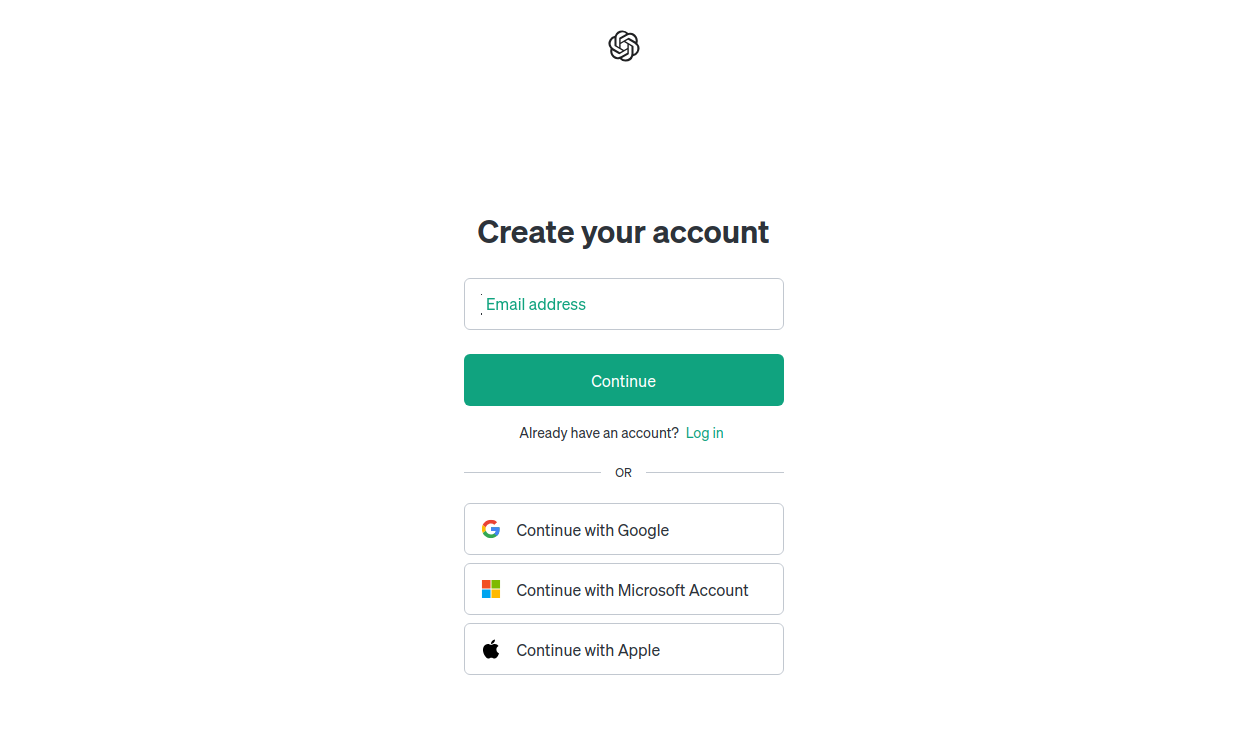
1. Create an OpenAI account
Visit the OpenAI website and log in.

If you don't already have an OpenAI account you'll need to sign up.
2. Navigate to the API section
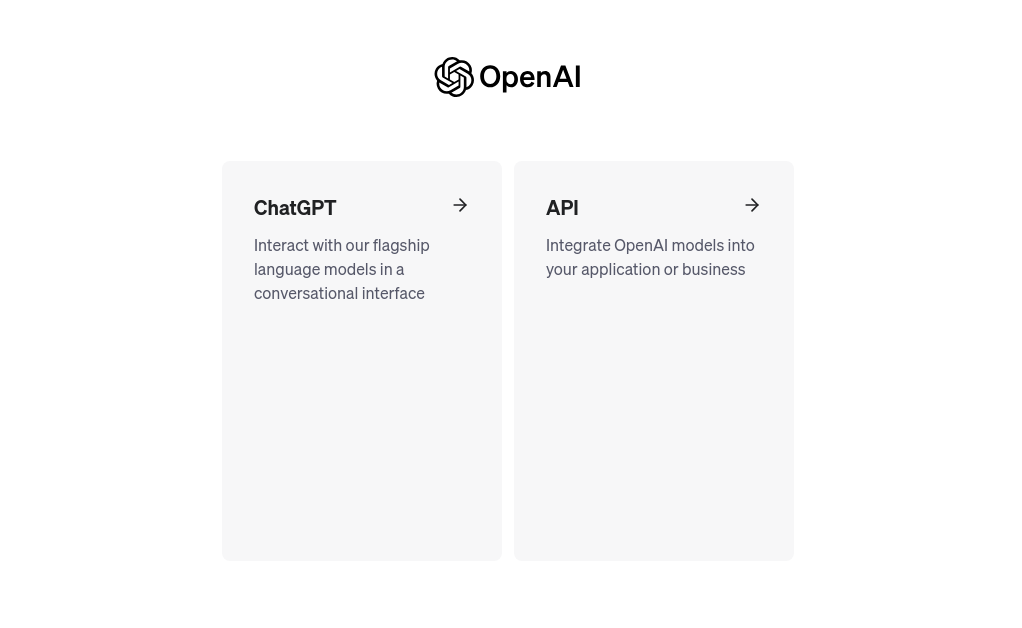
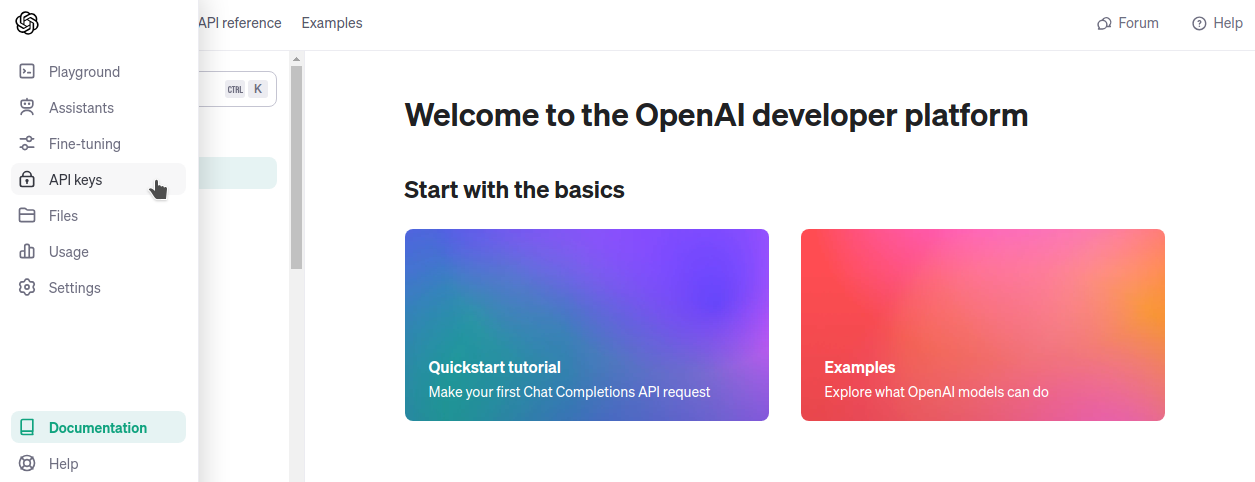
Once logged in, navigate to the API section or dashboard on the OpenAI website. This is where you can create and manage your API keys.
3. Generate a new API key
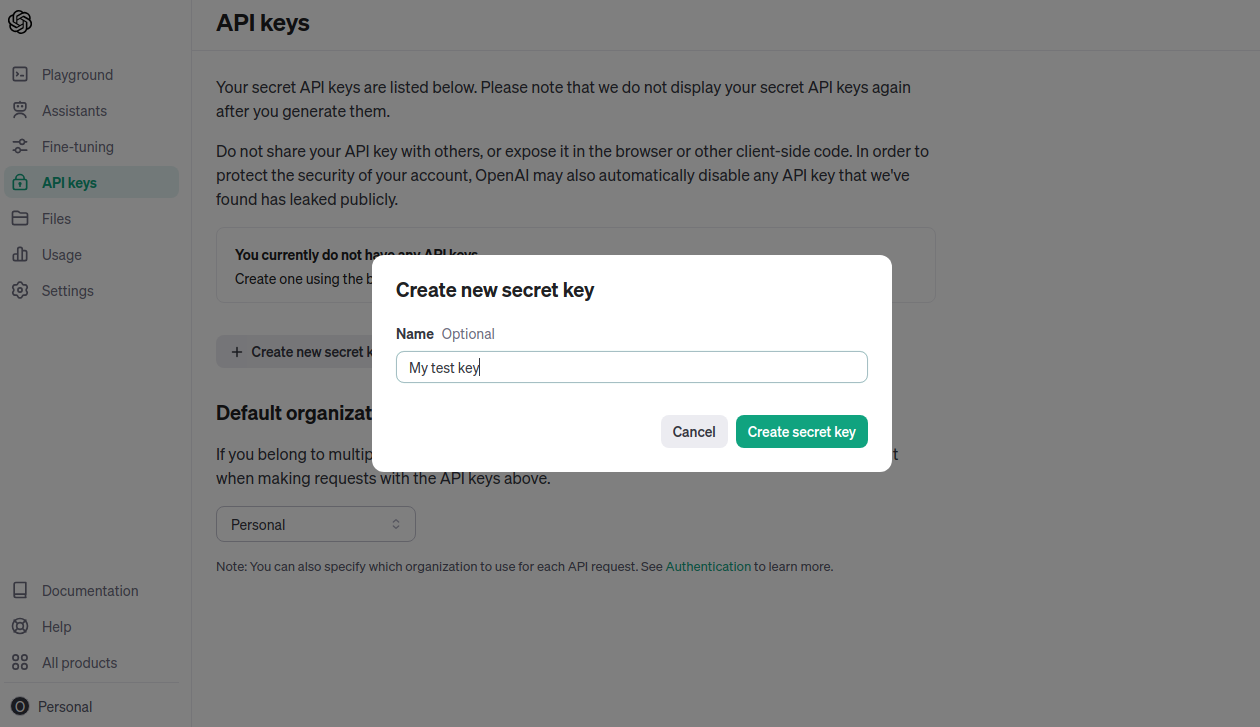
Go to the 'API keys' tab and click on the 'Create a new secret key' button. In the opened window, enter a custom name for the key and confirm the key creation. That's it – your API key is generated and ready for use.
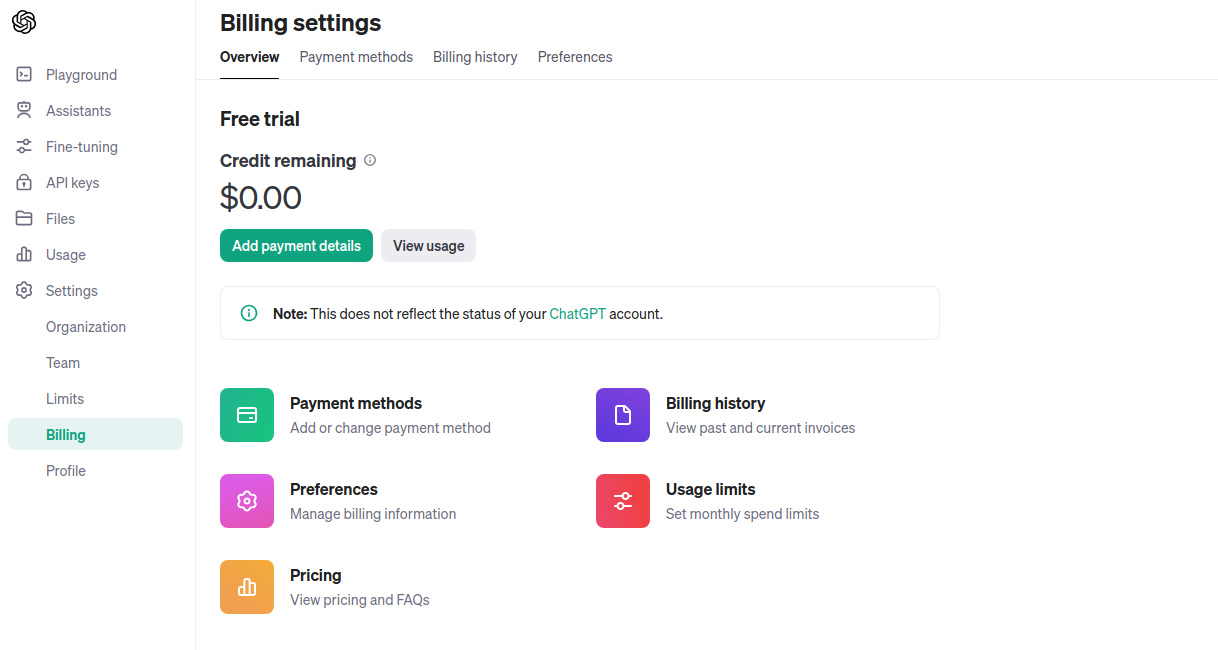
4. Set up billing
OpenAI charges for the usage of its API on a usage basis. To enable your plugin, you'll need to set up a payment method for billing. To do this, visit the 'Billing' tab.
5. Connect Txt42 with OpenAI
Now, to connect the Txt42 plugin with OpenAI, open your Dashboard, go to the Settings tab and enter the secret key in the OpenAI API key field of the Txt42 (Chat GPT) section, then save the configuration.
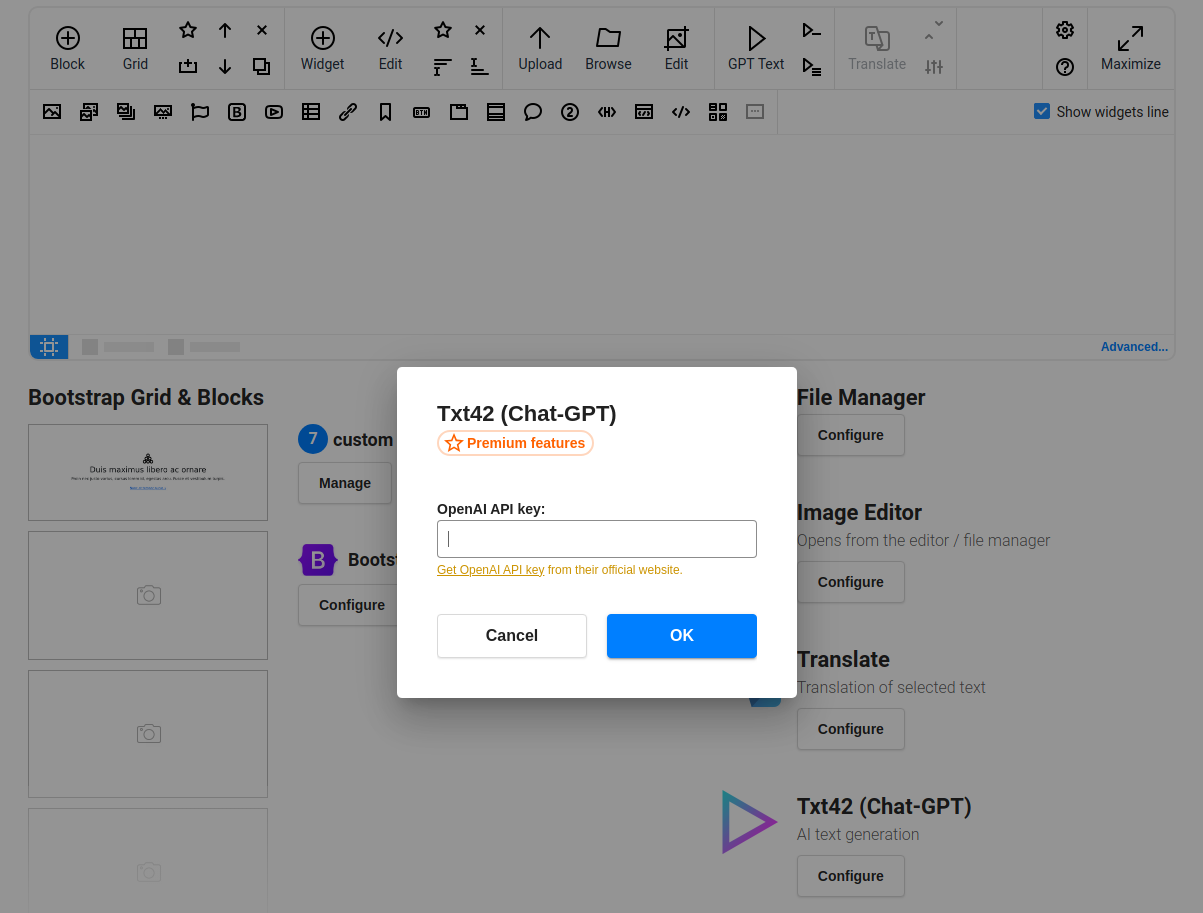
The texts are generated by our server, which calls OpenAI with your key. So the key has to be saved in the Dashboard (a key passed in the editor's own config is not used), and it is never sent to the browsers of your users. The GPT buttons of the toolbar ask for it until it is set.