New modern toolbar for CKEditor and TinyMCE
N1ED now comes with a fully new, modern toolbar for CKEditor and TinyMCE, along with many other UI updates.
N1ED now comes with a fully new, modern toolbar for CKEditor and TinyMCE, along with many other UI updates.
The main concept is editing your articles block by block. Please see a violet panel in the bottom left corner. It will let you quickly add new blocks: from the gallery or your custom set of blocks you will create while working with your website.

Flmngr file manager with the most of basic features is now free for all N1ED plans.
We know this is the must when you create content, so we decided to give all Free plan users ability to get the most important things from WYSIWYG editor. ImgPen image editor is still available on the Premium plan, but most of all other features are yours now.
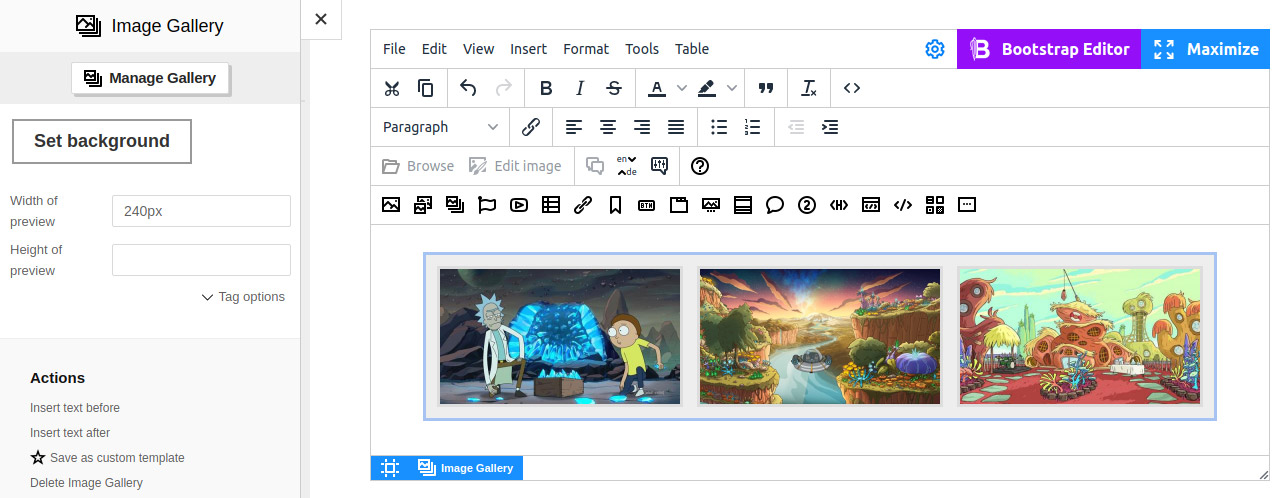
Upload, select, reorder images in your gallery with the new Image Gallery widget.
Fully redesigned widget with more interactivity in the final content. Edit image galleries with a charm and walk through of images in galleries by clicking left/right on the final page.
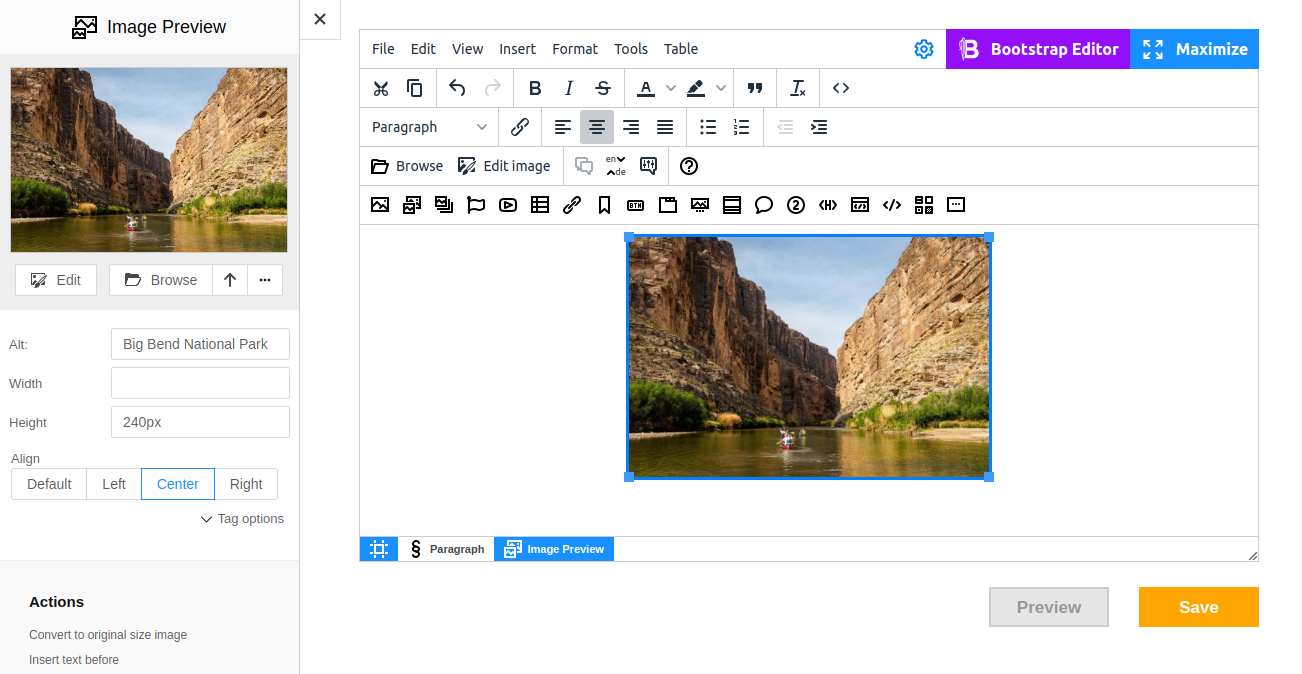
Get automatically resized cover image when you insert Image Preview widget.
The same for Galleries.
Update your PHP backend to use this feature. The not updated backend will work as before but without resizing images. If you use Drupal, just update the module.
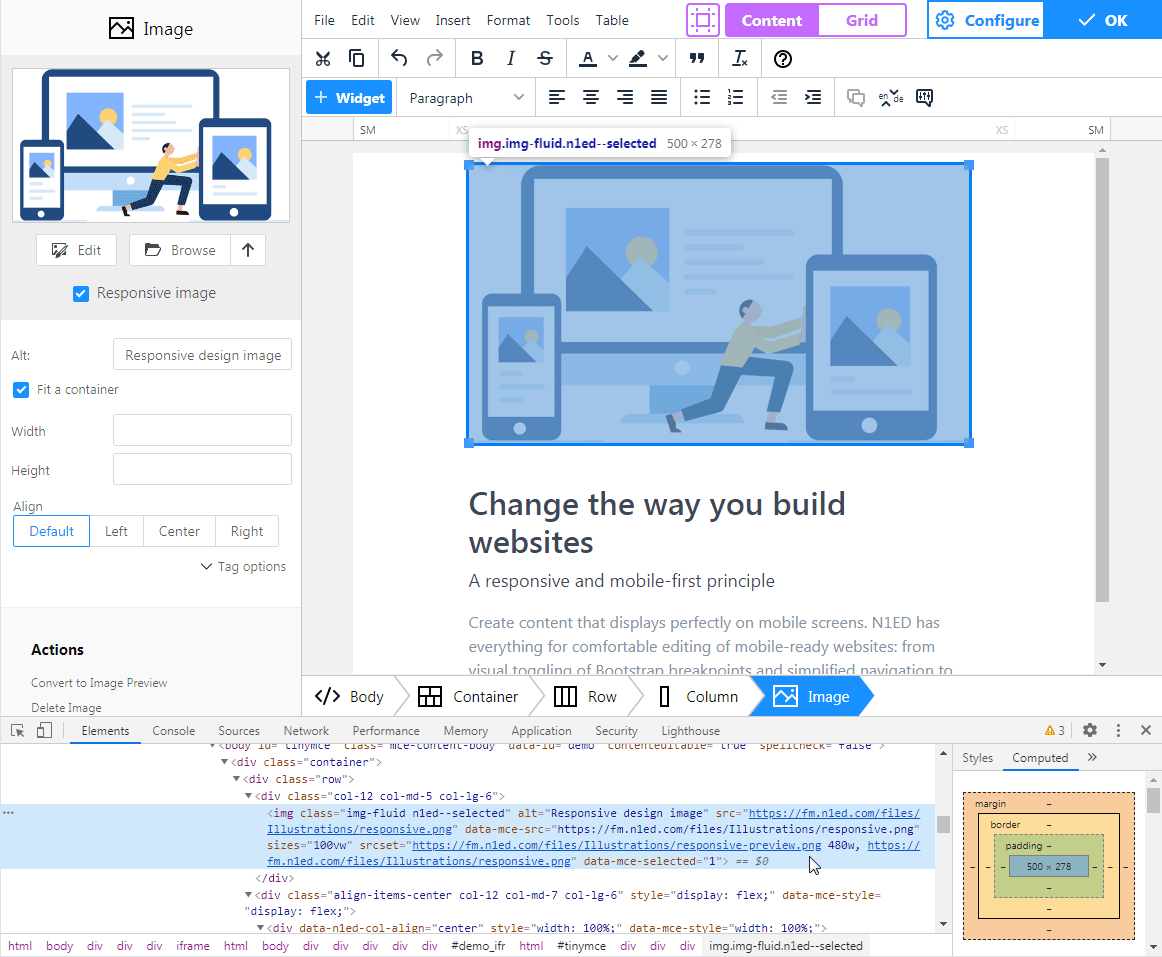
One click - and additional sized are generated for you Image widget for displaying on mobile devices.
Optimize loading images on the site visitors' devices with support of srcset attribute of image. Now your website is ready to be 100% mobile ready.

In collaboration with Drupal Security Team we've passed the review of N1ED.
The green shield our add-on got on the official Drupal website tells you about N1ED code fits all high standards of Drupal.
Use independent editor configurations on different websites or share configuration between websites. Now you can do it using multiple API keys available to create in your Dashboard.
Each configuration has its own unique API key and stores its own set of custom templates you define and preferences you set. One API key can be used on one or more websites.
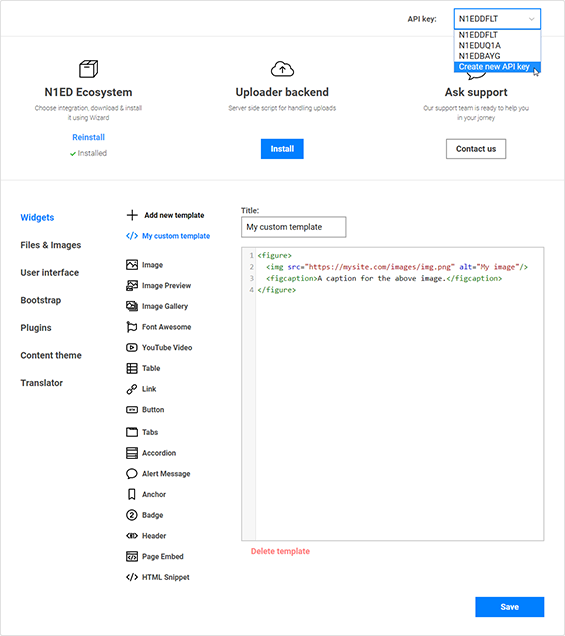
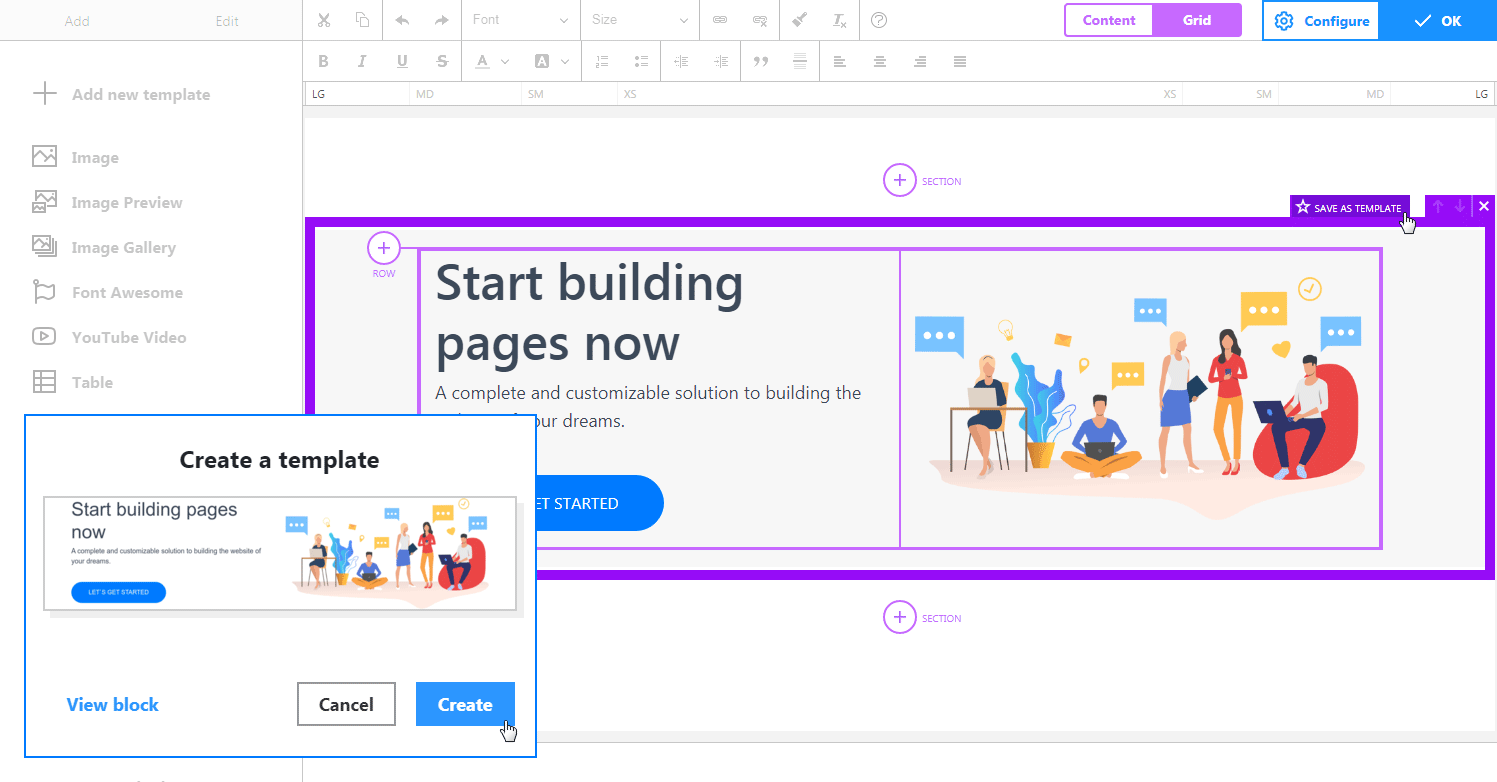
All Bootstrap Editor users now can visually create and save some block as their template. Bootstrap Editor will automatically generate a screenshot for them!
Just create some Bootstrap container and press Create template button with a star icon. Bootstrap Editor will create a preview for this block and send it to CDN to store it in the configuration. Since this moment you can insert this block into your page. You can update this block template using the same way: notice filled star icon indicating this block was created from a custom template.
Install N1ED EcoSystem into Joomla 3 and use it to edit articles. N1ED will be integrated with standard Joomla tools like file storage or feature to insert a link to an article. Learn more »
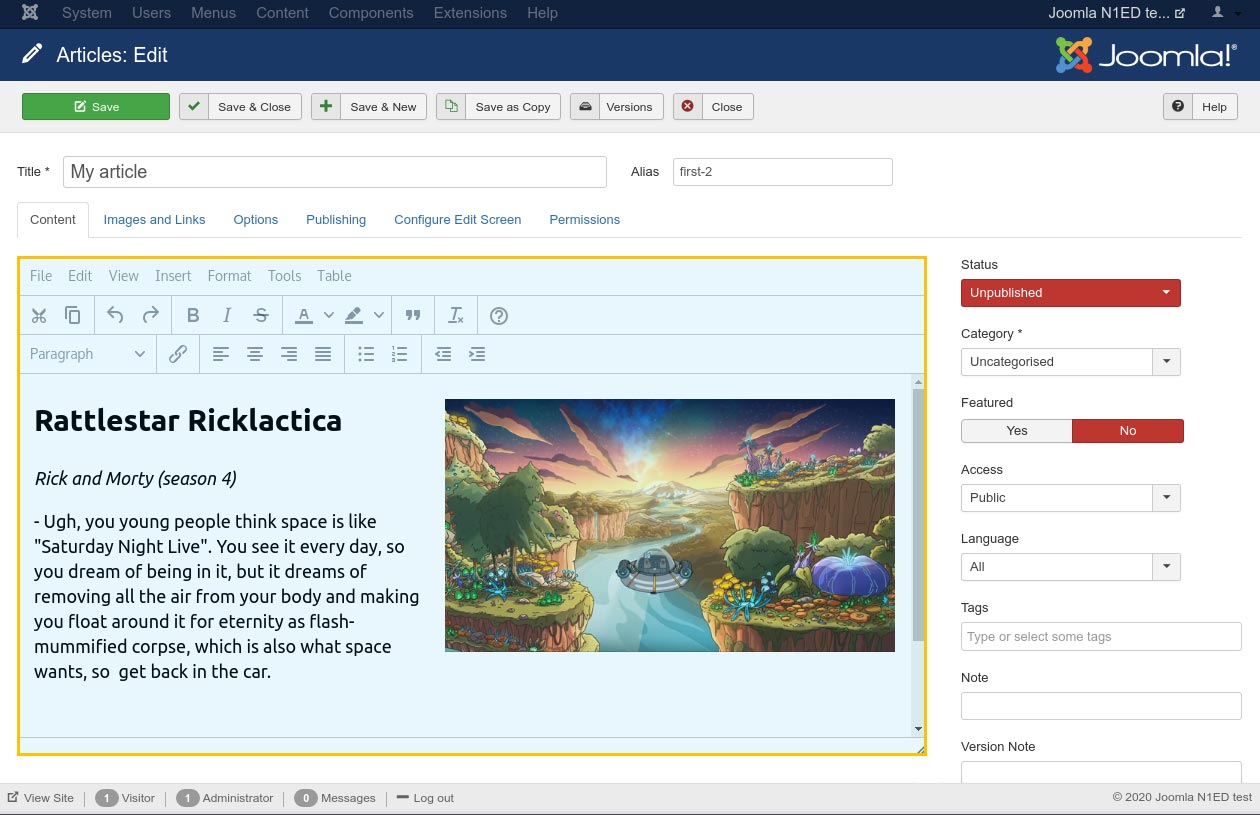
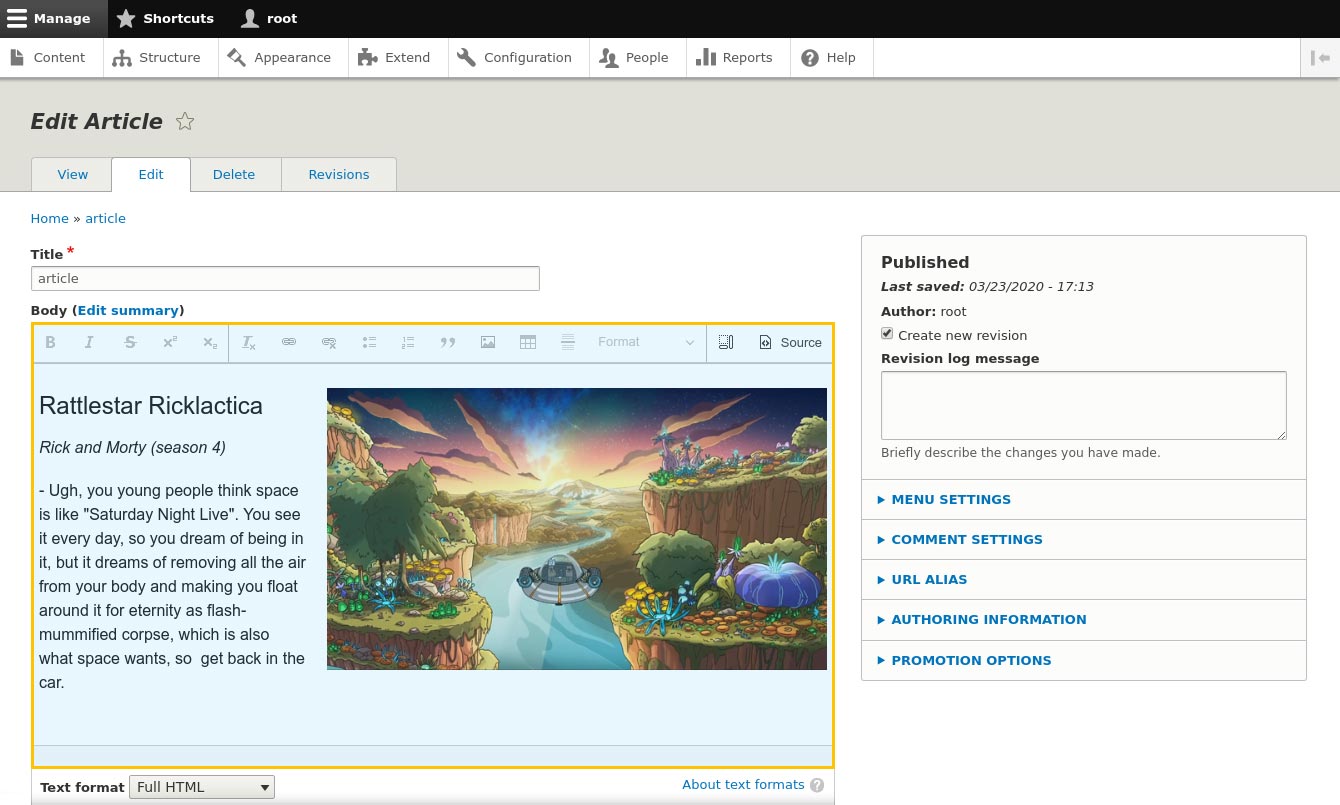
All the configurations are stored on the CDN and you can share them between websites. Also now you can enable or disable N1ED for different Text Formats (i. e. turn it off for CKEditor used in comments).
And we simplified the installation process for those who use many different plugins. Now only one module (N1ED) is required for installation in your Drupal: it will load all dependencies like File Manager or Bootstrap Editor automatically as it set in your control panel. Learn more »
Now we support v4 of TinyMCE like TinyMCE 5 and CKEditor 4. We still advise to update to v5, but if your CMS (like Magento) does not support this, you can stay with TinyMCE 4 and use N1ED & co.
This video demonstrates creating a content of responsive Bootstrap 4 based page with a grid consisting of containers, rows and columns, widgets like buttons and using file manager integrated with Drupal 8 file storage. Also you can see how you can customize all widgets and elements using essential HTML tools.
The easiest way to install N1ED is to use Installation Wizard. It will lead you through all these steps to the perfect editor on your website. Your first installation should be done using Wizard due to it will register a free API key for you.
Install nowOn September 9, a new versions of all plugins of the N1ED ecosystem were released. The changes were so substantial, that we decided to release the major version 2.0 instead.
Our customer sells tea in Great Britain. His internet store offers hundreds of tea items from all over the world. As a platform for his internet store he uses Drupal 8 with installed Commerce module and all appropriate modules to manage goods, basket, and control orders.
Today, when Google adheres to the "mobile first" principle, and the majority of the web audience uses mobile devices to surf (like smartphones or tablets), а site developers need a way to control how the website's content displays on various mobile devices.
When you create content for page of your website, you may often face the following task: you may need to arrange the content to rows and columns, that is build a layout.
N1ED introduces a number of practical features to your TinyMCE or CKEditor, but do you really feel comfortable when the editor itself is thumbnail-size? Considering hundreds of new features N1ED offers (such as mobile devices simulation), you'll need something more functional than the default fullscreen editing.