Placeholder
This is a placeholder widget that reserves a room in the layout for any type of content. Placeholder is especially useful when you create some universal custom block for multiple reusing. Widget helps you creating an "undefined" widget for configuring after custom template insertion.
To insert it, press the Widget button of the toolbar and pick  Placeholder in the list: the Placeholder has no button of its own on the toolbar by default.
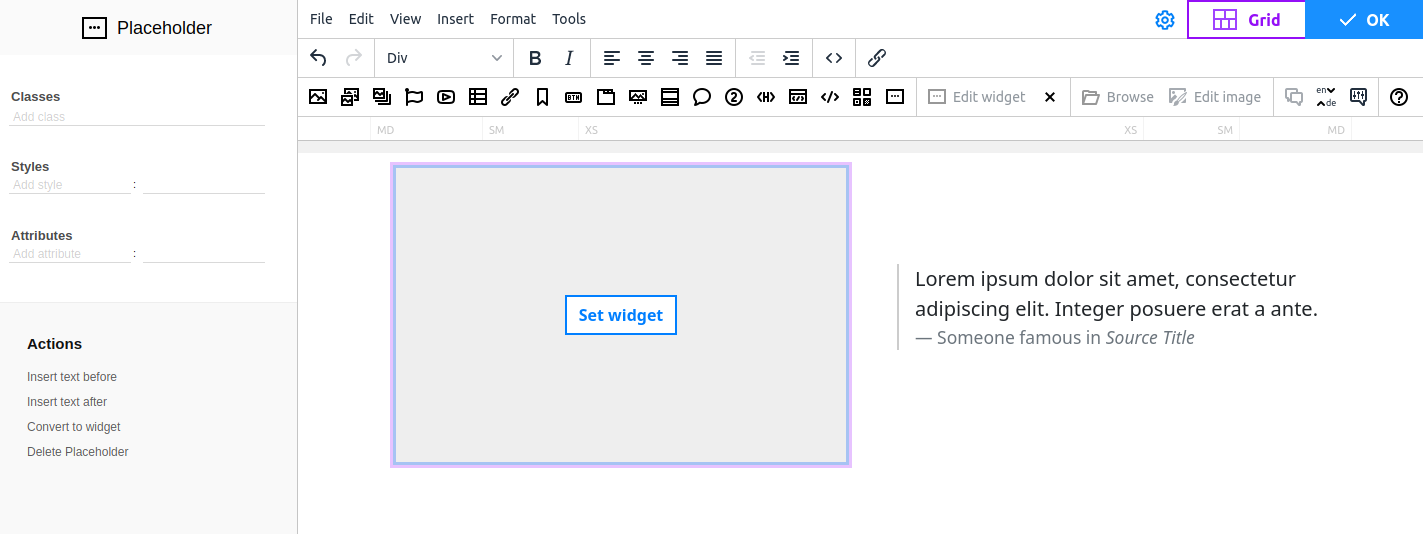
To fill the Placeholder with some content, click the Set widget button and select the widget you want.
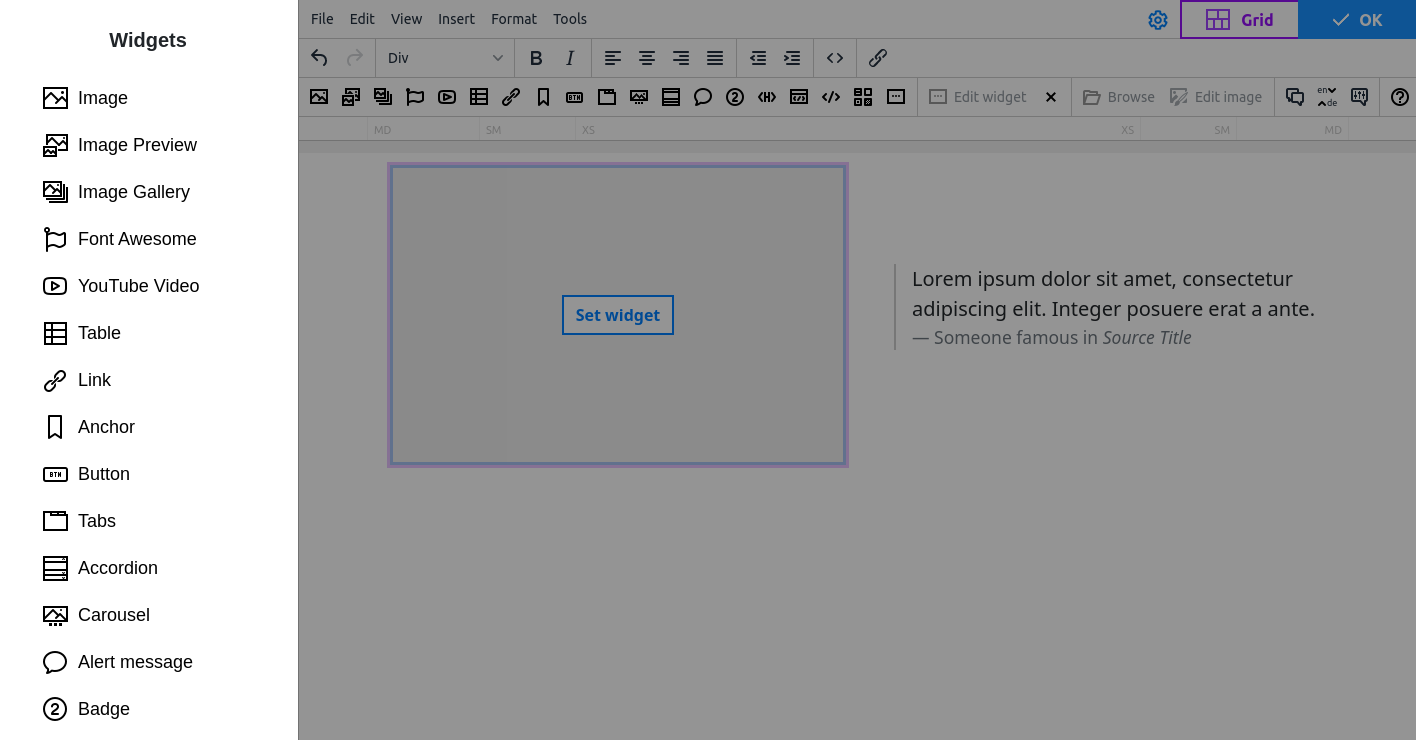
You can leave the placeholder empty or transform it to a Custom block ("Save as block" button). The block is saved with a placeholder that you can transform to the widget you want when you edit content. For example, turn it to Image or YouTube or even make it a large Font Awesome icon.